Tagtin logoTagtin Studio

AI Video Courses.

Hands-on courses in Singapore for people who want to finish complete, polished AI videos.

Course 1 Open for registration

Tagtin Studio Creator

A one-day hands-on workshop where you make a complete, polished AI video from idea to final cut. You work through the full production chain, from storyboard to image and video generation to post-production, and leave with a finished short video and a workflow you can repeat on every video you make.

01Storyboard
02Text-to-Image
03Image-to-Video
04Post-Production
What you will cover

Four modules

Module 1

Storyboard

  • Ideation: developing the concept and angle for the video
  • Drafting key-frame visuals to map out the story
  • Shaping the narrative from opening to close
  • Writing prompts that are ready to use in production
Module 2

Text-to-Image

  • Building visual assets for the video
  • Keeping characters and scenes consistent across shots
  • Checking details before assets move into production
  • Finding a model’s limits through fail tests before spending credits
Module 3

Image-to-Video

  • Generating motion from still assets
  • Choosing the model that gives the best result for each shot
Module 4

Post-Production

  • Developing an eye for salvaging the usable parts of each generation
  • Matching grading and exposure across clips
  • Editing in CapCut with music and pacing
Behind the scenes

Behind the scenes of three Tagtin Studio videos

See how each stage was done on our own finished videos.

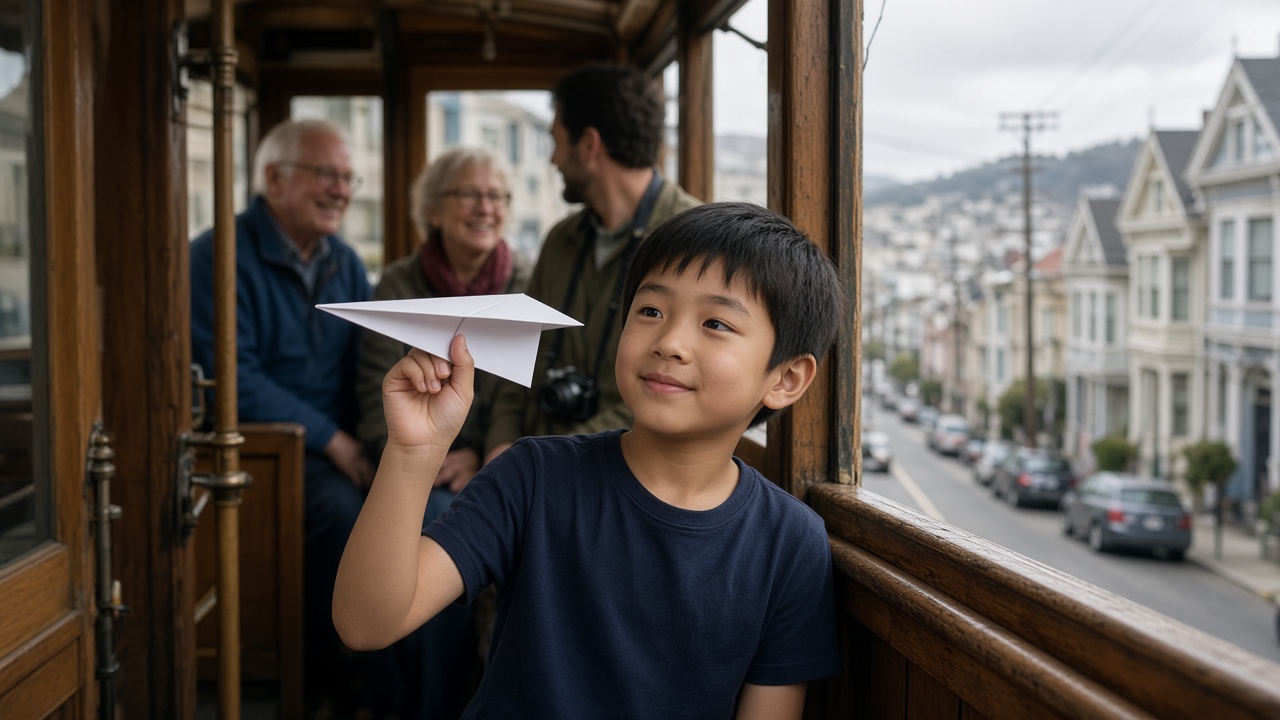
Still from Paper Plane
Paper PlaneDirection, scale and visible cues
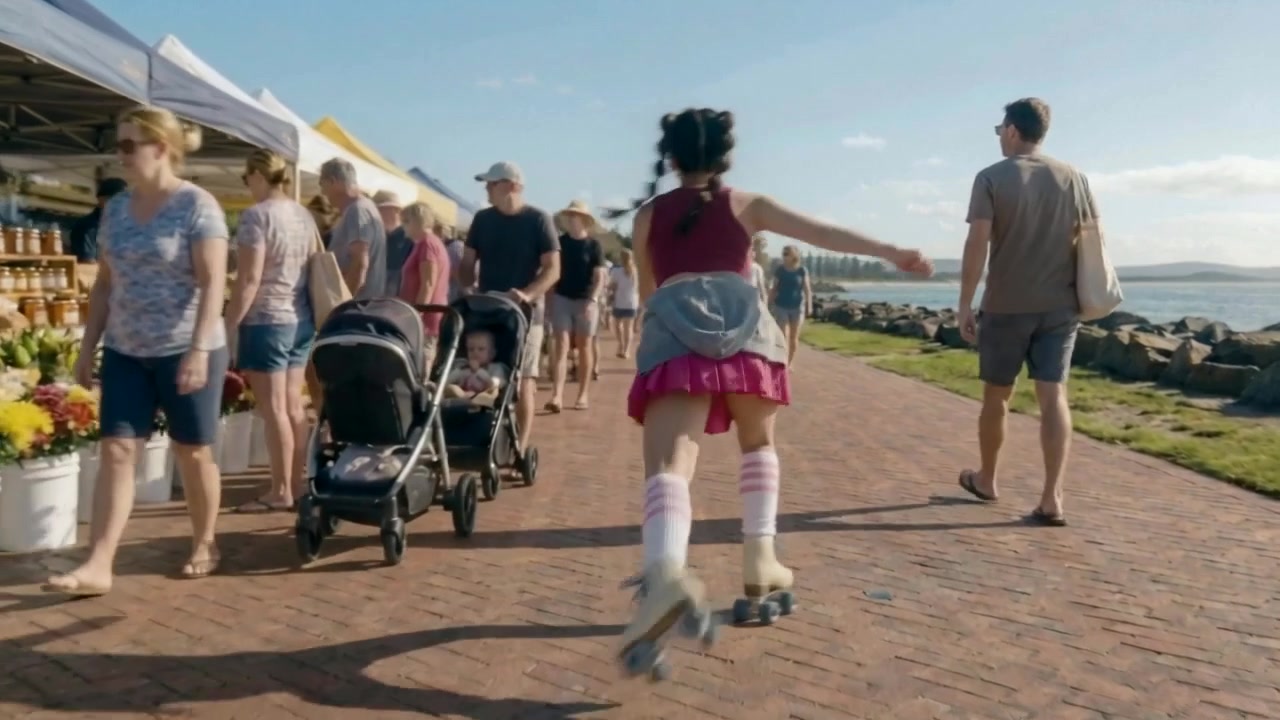
Still from Tennis
TennisMovement, physics and continuity
Still from On Time
On TimeEmotion beats, grading and salvage
Learning outcomes

What you will be able to do

  1. Turn an idea into a storyboard with key-frame visuals, a clear narrative and prompts ready to use.
  2. Produce image assets that keep characters and scenes consistent across a video.
  3. Run fail tests to find a model’s limits before spending credits.
  4. Generate motion from images and choose the best model for each shot.
  5. Salvage usable footage, match grading and exposure across clips, and edit a finished cut in CapCut with music and pacing.
  6. Complete a finished short video and apply a repeatable workflow to future videos.
Generation is only one of four stages; most of the quality comes from planning before it and fixing after it.
Who should attend

Made for finishers

  • Content creators and storytellers
  • Marketers and in-house content teams
  • Enthusiasts who want to go beyond casual experiments and finish a complete video
Prerequisites

Before you join

A paid subscription to an AI video generation platform is required, for example Gemini Pro or all-in-one platforms such as Higgsfield, OpenArt or Magnific. The course is hands-on, so you’ll be generating throughout the day.

Schedule and fee

Available dates

Course fee
S$390

Save S$100 with a referral code. Prices are not subject to GST.

Dates
Sat 21 Nov 2026
Sat 28 Nov 2026
Time
9:30am – 5:30pm SGT
Venue
Kitchener Complex
(near Lavender MRT)

Register your interest

Choose a date in the form. We’ll confirm your seat and payment details by email.

Register your interest
Course 2 Dates coming soon

Tagtin Studio Director: Directing AI Agents

One-day hands-on workshop. Tagtin Studio Creator teaches you to make a polished AI video yourself. Director is the next step: you learn to train and direct a crew of AI agents that does the legwork, while you make the creative calls. Built for freelancers, creators and small studios turning AI video into a business.

01CrewSet up agents with roles, rules and sign-off points.
02DirectBrief your crew with clear hooks and scripts.
03DeliverTake a client job from treatment to final cut.
04ScaleRun a new brief from your saved setup, so your crew does more and you do less.
What you will cover

Five modules

Module 1

Build your AI agent crew

  • Set up AI agents (we use Grok Bot) as producer, scriptwriter, storyboard artist and editor
  • House rules and sign-off points
Module 2

Write like a director

  • Briefs, hooks and scripts that get strong work from your crew
Module 3

Run a job end to end

  • A mock client brief, from treatment to delivery
  • Your crew produces; you give notes and approve
Module 4

The business side

  • What clients buy, scoping and quoting
  • Rights and AI disclosure
  • Honest lessons from our own channel
Module 5

Scale

  • Rerun your workflow on a second, different brief in class
  • Your crew produces from your saved setup while you only give notes
Outcome

You’ll leave with

  • A client-ready video produced by your crew
  • The agent setup behind it
  • A pricing sheet for your services
  • A studio playbook: agent skills, brief and script templates, a quote template and a scheduled routine
Inside the workshop

From brief to client delivery

You direct; your AI crew handles the production legwork.

A director at a desk with AI agent chat windows on screen
Your crewAgents set up as producer, writer, storyboard and editor
Storyboard and script with director's notes
The briefTreatment, script and director’s notes
A finished video on a client review screen
DeliveryA client-ready video, reviewed and approved
Learning outcomes

What you’ll be able to do

  1. Set up and train an AI agent crew with roles, rules and sign-off points.
  2. Write briefs, hooks and scripts that get strong work from agents.
  3. Direct a crew through a client job from treatment to delivery.
  4. Scope and quote AI video work with real margins.
  5. Handle rights, likeness and AI disclosure.
  6. Rerun your workflow on a new brief, with your crew producing a first cut from your saved setup and far less hands-on time from you.

Finale: job 1 delivered, job 2 drafted live by your crew.

You make the creative calls. Your crew does the legwork.
Who it’s for

Ready to offer a service

Creator graduates, or anyone who has already made a finished AI video and wants to offer it as a service.

Prerequisites

Before you join

  • Tagtin Studio Creator, or a finished AI video of your own
  • A paid AI video platform subscription
  • A Grok Bot account (the 7-day trial is fine, started one or two days before)
Schedule

Dates

Format
One-day hands-on workshop

Dates are coming soon. Register your interest and we’ll email you when they’re announced.

Dates
Coming soon
Venue
Kitchener Complex
(near Lavender MRT)

Register your interest

Leave your details and we’ll let you know when dates are set.

Register your interest